04 December 2025 — Registration Opens
10 January 2026 — Course Begins (videos & materials accessible)
24 January 2026 — 2-Hour Live Q&A Session

Free Bonus: Ultimate Upscale 1.0
$59 Value for free! This is a ComfyUI Custom Workflow _ Run locally / Cloud Stable at 2K, 4K, and 8K. Capable of delivering up to 11K. ** This workflow performs well in keeping consistency of textures and forms, especially for interior and exterior architectural scenes _ You should provide a clean base image (nothing already weird or distorted) ** By default, it goes from 1024 → 8192 px. Feel free to adjust the settings if you need a higher resolution.
A full video guide on how to install ComfyUI locally
Text support during the 15-day learning period
Custom ComfyUI workflows for every use case
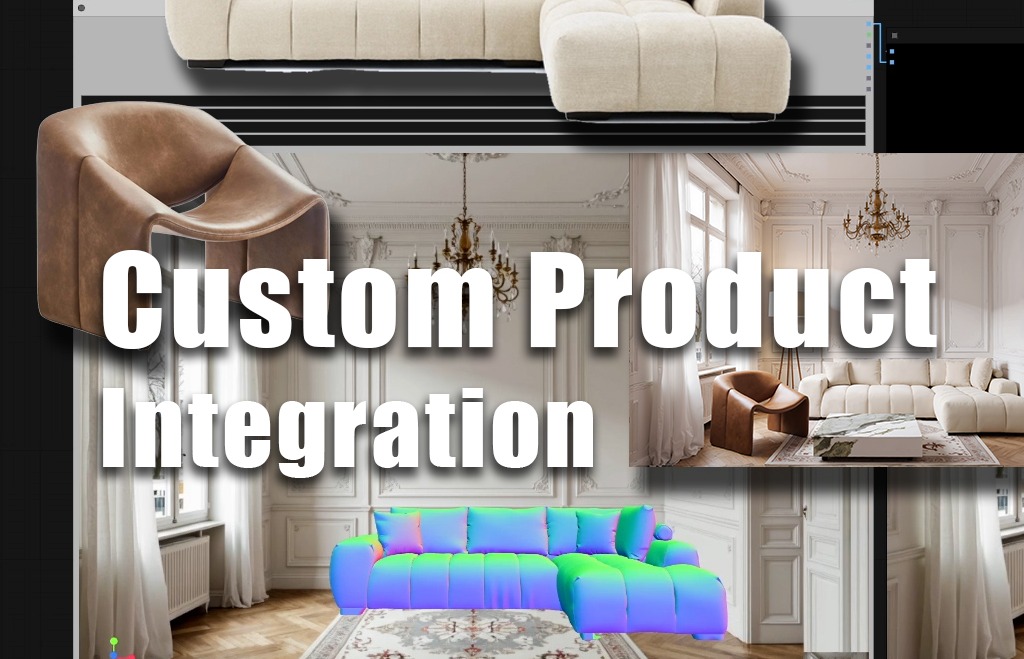
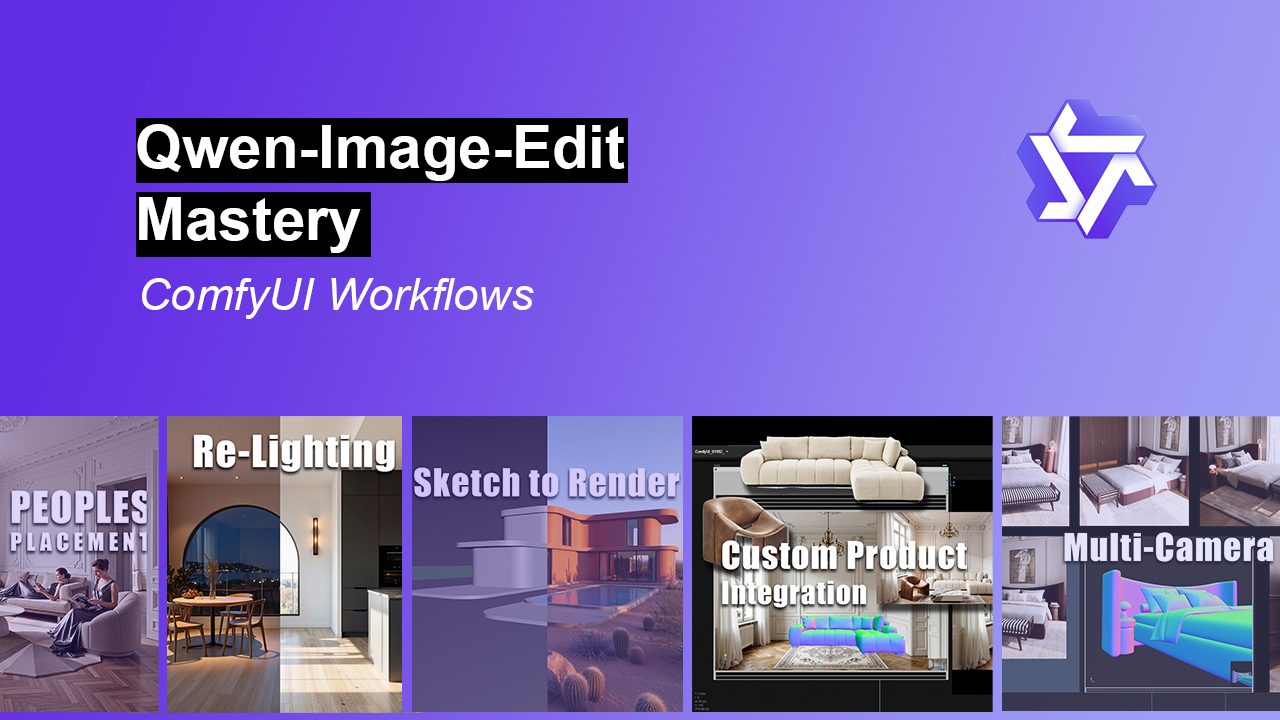
Custom Product Integration
Replace or insert furniture using real reference images, using custom space

Multi-camera views from Flat image
Generate multi-camera views from a single flat image (not just left, right, above view … much more control based on 3D reference technique)

People Placement
Integrate people with custom outfits, poses, and positioning
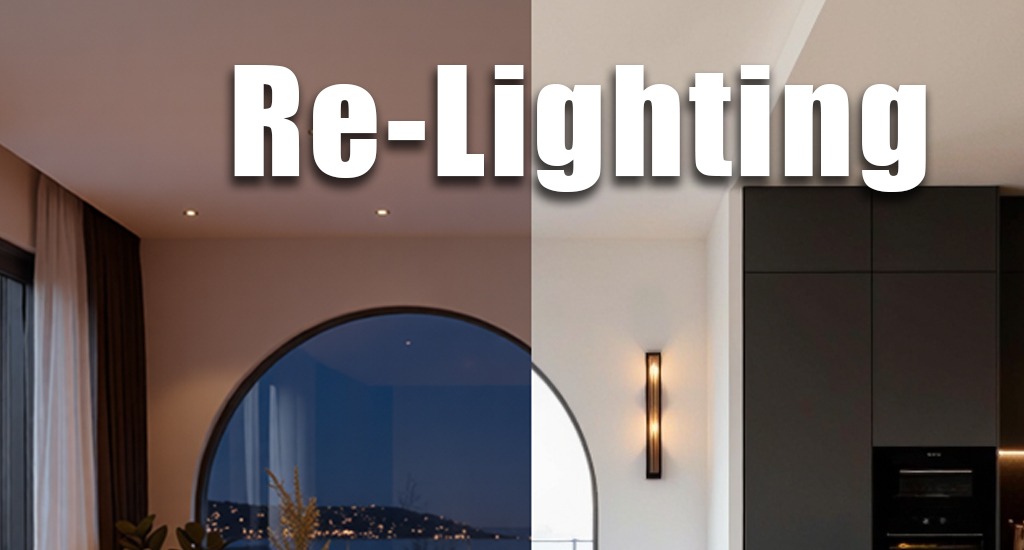
Scene Relighting
Perform advanced scene re-lighting (interior & exterior)
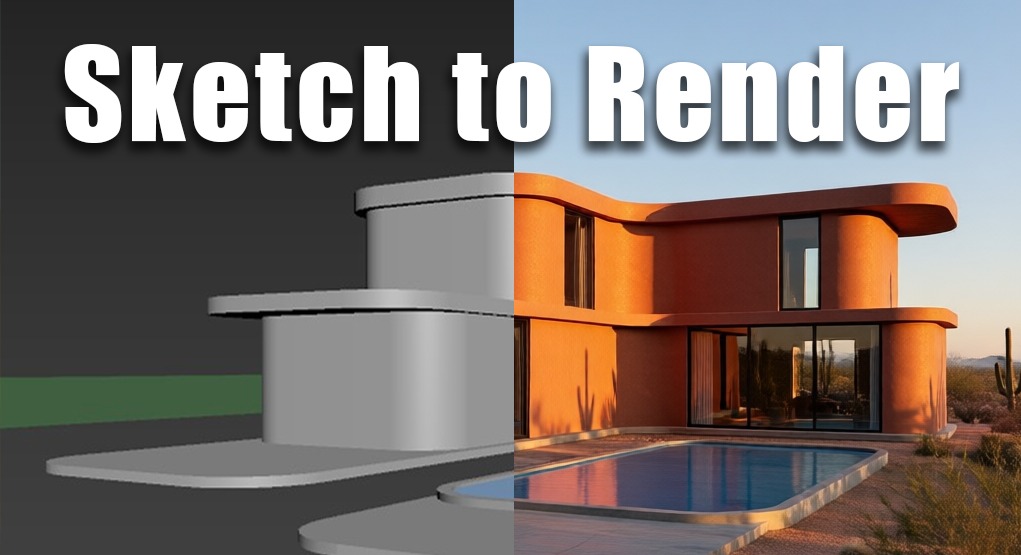
Sketch to Render
Convert simple sketches into high-quality renders
And more ...
Understand how Qwen_Edit interprets prompts, reference images, and structure
Use-case videos
https://www.youtube.com/@Fadihkacem
What people are saying
These comments are from previous live course sessions.
Wow! Mind blown. Thank you so much for your incredible course.
.
If the next one is coming, I will be there.
.
Thank you for an informative and well structured course
.
Merci Fadi h. kacem pour ce tutoriel ce matin. C’est brillant comme approche.
.
Thanks Fadi for the workflow & session! Appreciate the explanation of its capabilities & limitations.
.
Thank you Fadi, this was informative for sure
.
Pricing options
You can choose to split your payment over two months, or simply make one full payment at checkout—whichever works best for you.